Photo of Anton ShubinAnton ShubinContact

Zond internal health probe bridge for services behind SSO proxies In use

Health checks for self-hosted services behind an SSO proxy, without a monitoring login.

Your monitor asks https://zond.example.com/health/metube. zond, running on the same Docker network as metube, sends metube a plain HTTP GET and answers 200 ok or 503 unreachable.
58 s, with captions and music: add ollama and grafana to zond.yml, start zond, ask it about metube, then about the stopped grafana, which answers 503 unreachable, and last /health about every service at once.

The problem, in one picture

You reach metube through the SSO proxy. Gatus, in the cloud, asks zond for /health/metube instead. zond runs on the same Docker network as metube, sends it a plain HTTP GET without logging in, and answers Gatus with 200 ok or 503.
Put an SSO proxy such as Authelia or Authentik in front of your services, and an outside monitor like Gatus sees a 302 to the login page for every one of them. zond checks each service from beside it instead.

Ask zond

Set what each service answers, pick what your monitor asks, and read zond's reply.

Your services answer zond with
Your monitor asks

zond answers

$ curl -i https://zond.example.com/health/metube HTTP/1.1 200 OK HTTP/1.1 503 Service Unavailable Content-Type: text/plain; charset=utf-8 ok unreachable Redirects are healthy. zond never follows them: a 302 to /login is up.A service that listens but answers 4xx or 5xx counts as down.Any error, a timeout or a refused connection, counts as down.$ curl -i https://zond.example.com/health/ollama HTTP/1.1 200 OK HTTP/1.1 503 Service Unavailable Content-Type: text/plain; charset=utf-8 ok unreachable Redirects are healthy. zond never follows them: a 302 to /login is up.A service that listens but answers 4xx or 5xx counts as down.Any error, a timeout or a refused connection, counts as down.$ curl -i https://zond.example.com/health/grafana HTTP/1.1 200 OK HTTP/1.1 503 Service Unavailable Content-Type: text/plain; charset=utf-8 ok unreachable Redirects are healthy. zond never follows them: a 302 to /login is up.A service that listens but answers 4xx or 5xx counts as down.Any error, a timeout or a refused connection, counts as down.$ curl -i https://zond.example.com/health HTTP/1.1 200 OK HTTP/1.1 503 Service Unavailable Content-Type: text/plain; charset=utf-8 OK metube KO metube OK ollama KO ollama OK grafana KO grafana One service down makes /health answer 503.Every target is up, so /health answers 200.$ curl -i https://zond.example.com/health/jellyfin HTTP/1.1 404 Not Found Content-Type: text/plain; charset=utf-8 unknown target: jellyfinjellyfin is not in zond.yml, so zond answers 404.

Answers are ok, unreachable and target names. No internal URLs, no response bodies, no tokens.

Quick start

Add zond to the Compose file that runs your services, so it shares their network:

compose.yml
# compose.yml
services:
  zond:
    image: ghcr.io/spy4x/zond:latest
    restart: unless-stopped
    ports: ["8080:8080"]
    volumes: ["./zond.yml:/app/zond.yml:ro,z"]
zond.yml
# zond.yml
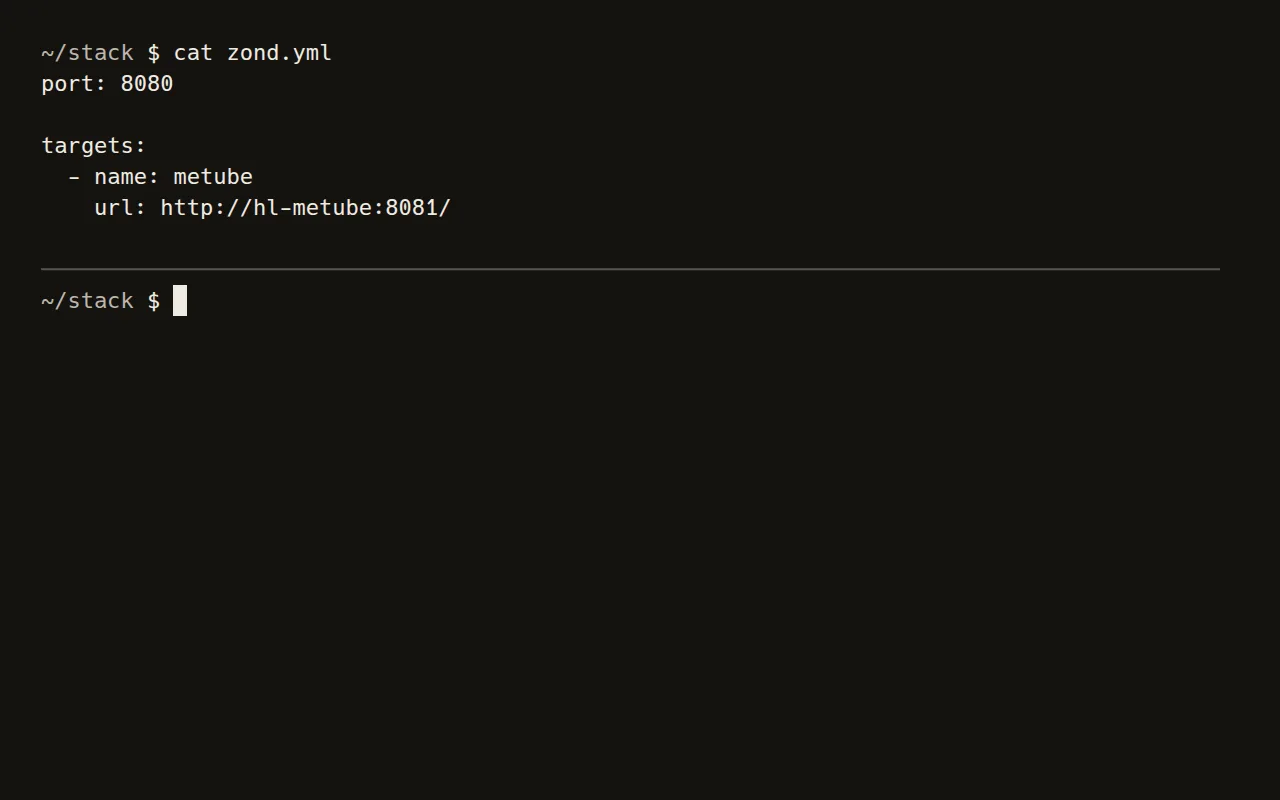
targets:
  - name: metube
    url: http://hl-metube:8081/
Start it and ask it
docker compose up -d && curl http://localhost:8080/health/metube   # ok

Point your monitor at it

Then publish zond through your reverse proxy, outside the SSO, and point your monitor at it.

Gatus
# Gatus
- name: Metube
  url: "https://zond.example.com/health/metube"
  conditions:
    - "[STATUS] == 200"

Use it if

  • An SSO proxy stands between your monitor and your self-hosted services.

Skip it if

  • Your monitor already runs inside that network, or you need response times, metrics or content checks.

The story behind it

Two ways to use it

Use it yourself

The code is on GitHub under the MIT licence.

View on GitHub

Have me build it

Need something like this for your team? That's my day job.

More tools

  • oko

    one page for every self-hosted service, with its status and 30-day uptime from gatus.

    In use
  • rostok

    one-command scaffolder for a self-hosted homelab.

    In use
  • dotfiles

    my AI-agent setup and Linux workstation, as code.

    In use

All tools