
preact-components server-rendered Preact and Tailwind components Beta
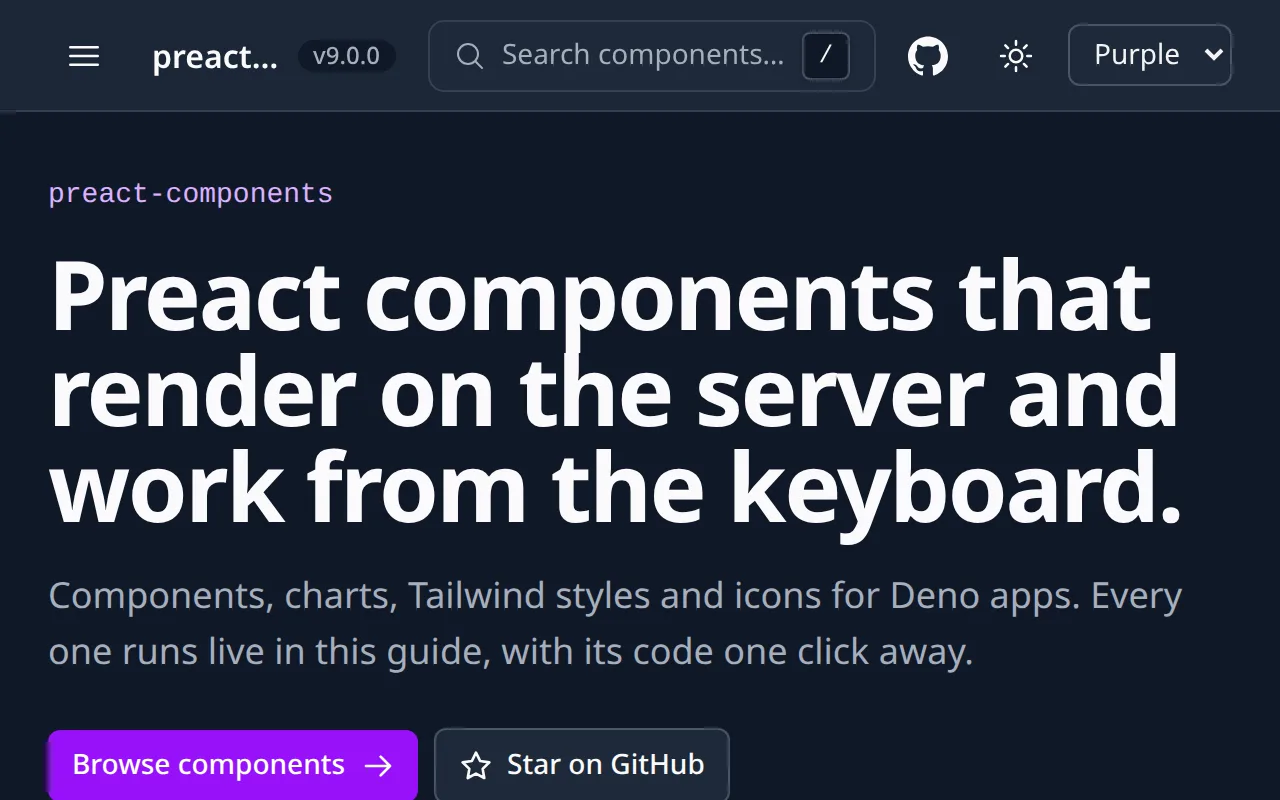
Server-rendered Preact and Tailwind components, with a live guide that runs every one.
You install one package, import a component, and it renders with the shared design tokens: the same button, table, chart and CRUD scaffold in every app, written once.
deno add jsr:@spy4x/preact-ui@10.7.0From JSR, pinned to 10.7.0.
Search the library from the keyboard
This search is the library's CommandPalette, running here over its own components. Type the way you do in a hurry: a typo, the wrong keyboard layout, or Russian.
Pick a result and it lands here.
Ctrl+KCommandK or / opens it. Up arrow Down arrow moves, Enter picks, Esc closes.
The search, the toast and both themes are the library's own components, running on this page.
Show the code
This demo's search, in full:
<CommandPalette<Row>
  trigger="field"
  hotkeys={["mod+k", "/"]}
  search={async (query) => {
    lastQuery.current = query
    const rows = await loadRows()
    return query.trim() === ""
      ? [...commands, ...rows.filter((r) => r.group === "Start here")]
      // Components first, so a tie goes to the component, not a
      // command, unless the query is one of the command's words.
      : commandWordFirst(
        matchOptions(
          [
            ...rows.filter((r) => r.group === "Components"),
            ...commands,
          ],
          query,
        ),
        query,
      )
  }}
  debounce={0}
  defaultQuery={chipQuery.value ?? ""}
  onSelect={pick}
  labels={{
    ...PALETTE_LABELS,
    placeholder: PALETTE_LABELS.placeholder(count),
  }}
  class="h-12! text-base!"
/>Ten packages, one version
@spy4x/preact-ui- the component set: layout, buttons, tables, dialogs, forms
@spy4x/preact-theme- design tokens, the Tailwind preset and the classes components use
@spy4x/preact-icons- the merged icon set, one component per glyph
@spy4x/preact-charts- server-rendered charts with tooltips
@spy4x/preact-system- app-level pieces: auth form, calendar, shells, SEO head
@spy4x/preact-crud- list and editor scaffold for one collection
@spy4x/preact-map- map on Leaflet
@spy4x/preact-signals- stores and state helpers; no components
@spy4x/preact-cn- class-name join with Tailwind conflict resolution
@spy4x/preact-ui-guide- the live component catalogue, mounted in one line
Where it stands
Status: beta. Breaking changes still ship often, and each one bumps the major version.
No screen reader has been run against the components yet (#210). What is not built yet is on the open issues.
The design system, the component styling and the original markup are by Eirene. Eirene on GitHub · isorokina.com
Use it if
- You build a Preact app with Tailwind and want components that render on the server and hydrate in the browser.
- You want charts rendered as SVG on the server.
- You want to see every component running, with its code, in a live guide before you pick it.
Skip it if
- Your app is React: these are Preact components.
- You need components checked with a screen reader: none has been run against them yet.
- You do not use Tailwind: every component renders Tailwind classes.
The story behind it
Two ways to use it
Use it yourself
The code is on GitHub under the MIT licence.
deno add jsr:@spy4x/preact-ui@10.7.0From JSR, pinned to 10.7.0.
Have me build it
Build: MVP
From $8,000,From 3 weeks
More tools
ts-libs
tested TypeScript building blocks for web-standards back ends.
ReadySeed
SaaS starter.
WIPcaldav-tasks-web
web UI for CalDAV VTODO tasks.
WIP