
caldav-mcp MCP server that lets AI assistants read and write CalDAV events and tasks In use
Let your AI assistant read and manage your calendar and tasks on your own CalDAV server.
Connect it to Claude Desktop, OpenCode, Cursor, OpenWebUI or any other MCP client, and your assistant can list your calendars, find events and tasks, and create, update or delete them on your own CalDAV server.
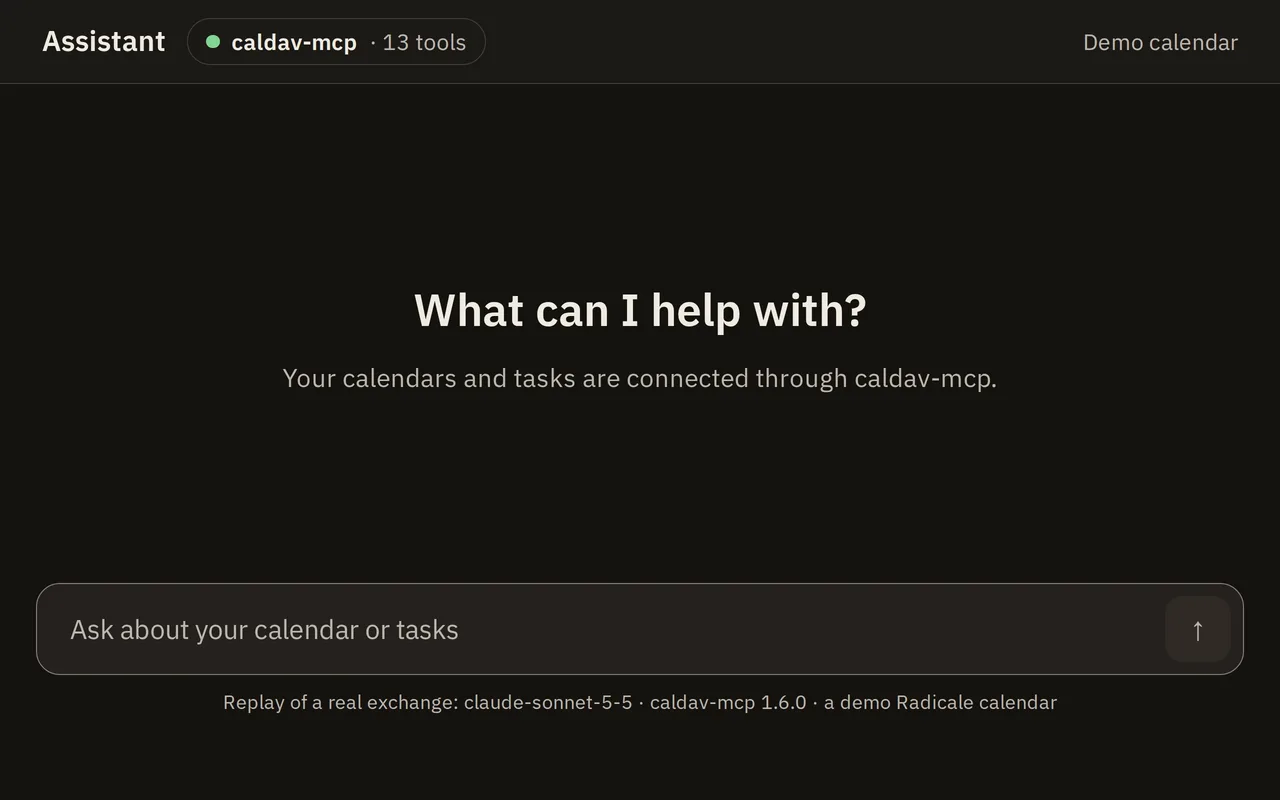
What the assistant can do
Every tool. Updates and deletes need the etag you read, so two edits never overwrite each other silently.Leaves delete_calendar, delete_event and delete_todo out of the tool list and refuses calls to them. It still allows update_event and update_todo.Also leaves out every tool that creates or changes something. Only read-only stops a stolen token from changing data.
Tasks5 · 4 offered · 2 offered
query_todosSearch tasks across all calendars.
Returns counts and a compact list (url, etag, summary, status, due, priority) sorted by due date; open tasks only unless status is COMPLETED or includeCompleted is true. Set detail for full fields.
Example
query_todos({dueBefore: "2026-10-09T10:00:00Z"}) → due before thenOffered with CALDAV_MCP_TOOLS set to all, no-delete, read-only.
get_todoGet one task by URL with every field, its uid and the etag to edit it with
Example
get_todo → { "summary": "Fix auth bug", "uid": "fix-auth-bug-123", "parent": "deploy-v2-456" }Offered with CALDAV_MCP_TOOLS set to all, no-delete, read-only.
create_todoNot offeredCreate a task in a calendar.
Returns its url, uid and etag.
Example
create_todo({
  "calendarUrl": "https://cal.example.com/dav/cal/me/tasks/",
  "summary": "Write documentation",
  "description": "Cover API endpoints, config, and deployment",
  "priority": 2,
  "start": "2026-10-10",
  "due": "2026-10-12",
  "rrule": "FREQ=WEEKLY;BYDAY=MO",
  "parent": "deploy-v2-456"
})
→ {"url": "https://.../<uuid>.ics", "etag": "\"...\"", "uid": "<uuid>"}
Offered with CALDAV_MCP_TOOLS set to all, no-delete.
update_todoNot offeredChange a task.
Only the fields you pass change; reminders (unless you pass alarms), repeat rules, links and fields this tool does not know are kept. Pass null to clear a field. Fails with code Conflict when the task changed since you read it.
Example
update_todo({ url, etag, parent: null }) → the task is no longer a subtaskOffered with CALDAV_MCP_TOOLS set to all, no-delete.
delete_todoNot offeredDelete a task if it has not changed since you read it
Offered with CALDAV_MCP_TOOLS set to all.
Events5 · 4 offered · 2 offered
query_eventsSearch events across all calendars.
Returns counts and a compact list sorted by start.
Example
query_events({dateFrom: "2026-10-01", dateTo: "2026-10-31"}) → events in a date rangeOffered with CALDAV_MCP_TOOLS set to all, no-delete, read-only.
get_eventGet one event by URL with every field and the etag to edit it with
Offered with CALDAV_MCP_TOOLS set to all, no-delete, read-only.
create_eventNot offeredCreate an event in a calendar.
Returns its url, uid and etag.
Offered with CALDAV_MCP_TOOLS set to all, no-delete.
update_eventNot offeredChange an event.
Only the fields you pass change; guests, reminders (unless you pass alarms), repeat rules, time zones and exceptions are kept. Pass null to clear a field. Fails with code Conflict when the event changed since you read it.
Offered with CALDAV_MCP_TOOLS set to all, no-delete.
delete_eventNot offeredDelete an event if it has not changed since you read it
Offered with CALDAV_MCP_TOOLS set to all.
Calendars3 · 2 offered · 1 offered
list_calendarsList the calendars with the components they hold (empty means any) and colors
Offered with CALDAV_MCP_TOOLS set to all, no-delete, read-only.
make_calendarNot offeredCreate a calendar in the user's calendar home.
Returns its url.
Offered with CALDAV_MCP_TOOLS set to all, no-delete.
delete_calendarNot offeredDelete a calendar and every event and task in it.
Only a URL that list_calendars returns is accepted.
Offered with CALDAV_MCP_TOOLS set to all.
Answers an assistant can use
Queries return totals, counts by status and priority and the number of overdue tasks next to the list, capped at 200 items with a truncated flag.
{
  "total": 118,
  "byStatus": { "NEEDS-ACTION": 118 },
  "byPriority": { "high": 33, "medium": 51, "low": 8, "none": 26 },
  "overdue": 11,
  "truncated": true,
  "todos": [
    {
      "url": "https://cal.example.com/dav/cal/me/tasks/AB12CD34-9999.ics",
      "etag": "\"424081823\"",
      "summary": "Review PR",
      "status": "NEEDS-ACTION",
      "priority": 2,
      "due": "2026-10-12",
      "repeats": true,
      "calendar": "Work"
    }
  ]
}urlis the address the server gave the task, andetagis the server's value, quotes included. Pass both back unchanged to edit or delete.- Dates keep their kind:
2026-10-12(a whole day),2026-10-12T09:00:00Z(UTC),2026-10-12T09:00:00(floating wall-clock time) or2026-10-12T09:00:00[Asia/Ho_Chi_Minh](wall-clock time in a zone). Tool arguments accept the same forms, plus an offset such as2026-10-12T09:00+07:00, which is stored as UTC. A whole day and a floating time are read inCALDAV_MCP_TIME_ZONE.
Add it to Claude Desktop
Install Deno, then add this to Claude Desktop's claude_desktop_config.json. Replace cal.example.com in --allow-net with the host of your CALDAV_URL.
{
  "mcpServers": {
    "caldav": {
      "command": "deno",
      "args": [
        "run",
        "--allow-net=cal.example.com",
        "--allow-env=CALDAV_URL,CALDAV_SERVER_URL,CALDAV_USERNAME,CALDAV_PASSWORD,CALDAV_MCP_TOOLS,CALDAV_MCP_TIME_ZONE,HOST,PORT,LOG_LEVEL,MCP_BEARER_TOKEN,ALLOW_BEARER_TOKEN_WITH_OAUTH,TRUSTED_PROXIES,PUBLIC_URL,OWNER_PASSWORD_HASH,AUTH_PEPPER,OAUTH_KV_PATH",
        "jsr:@spy4x/caldav-mcp@1.6.0"
      ],
      "env": {
        "CALDAV_URL": "https://cal.example.com",
        "CALDAV_USERNAME": "user",
        "CALDAV_PASSWORD": "pass"
      }
    }
  }
}
Restart Claude Desktop and ask "Which calendars do I have?". OpenCode, OpenWebUI and Cursor are in the clients guide.
Use it if
- Your calendar lives on a CalDAV server you can reach with a username and password.
Skip it if
- You need Google Calendar (Google offers CalDAV only behind OAuth 2.0, which caldav-mcp does not speak), contacts (CardDAV) or several users from one instance.
The story behind it
Two ways to use it
Use it yourself
The code is on GitHub under the MIT licence.
Have me build it
Need something like this for your team? That's my day job.
More tools
caldav-tasks-web
web UI for CalDAV VTODO tasks.
WIPmig
tiny self-hosted meeting scheduler.
In usedotfiles
my AI-agent setup and Linux workstation, as code.
In use